Lumiverse™ Projection Mapping Software
The ultimate projection mapping software designed for professional permanent installations. Lumiverse™ includes the entire workflow for creating and managing a professional projection-mapping show — pre-installed exclusively on LM3X hardware and easily accessible via a web browser with login & password.
Manage Everything Remotely
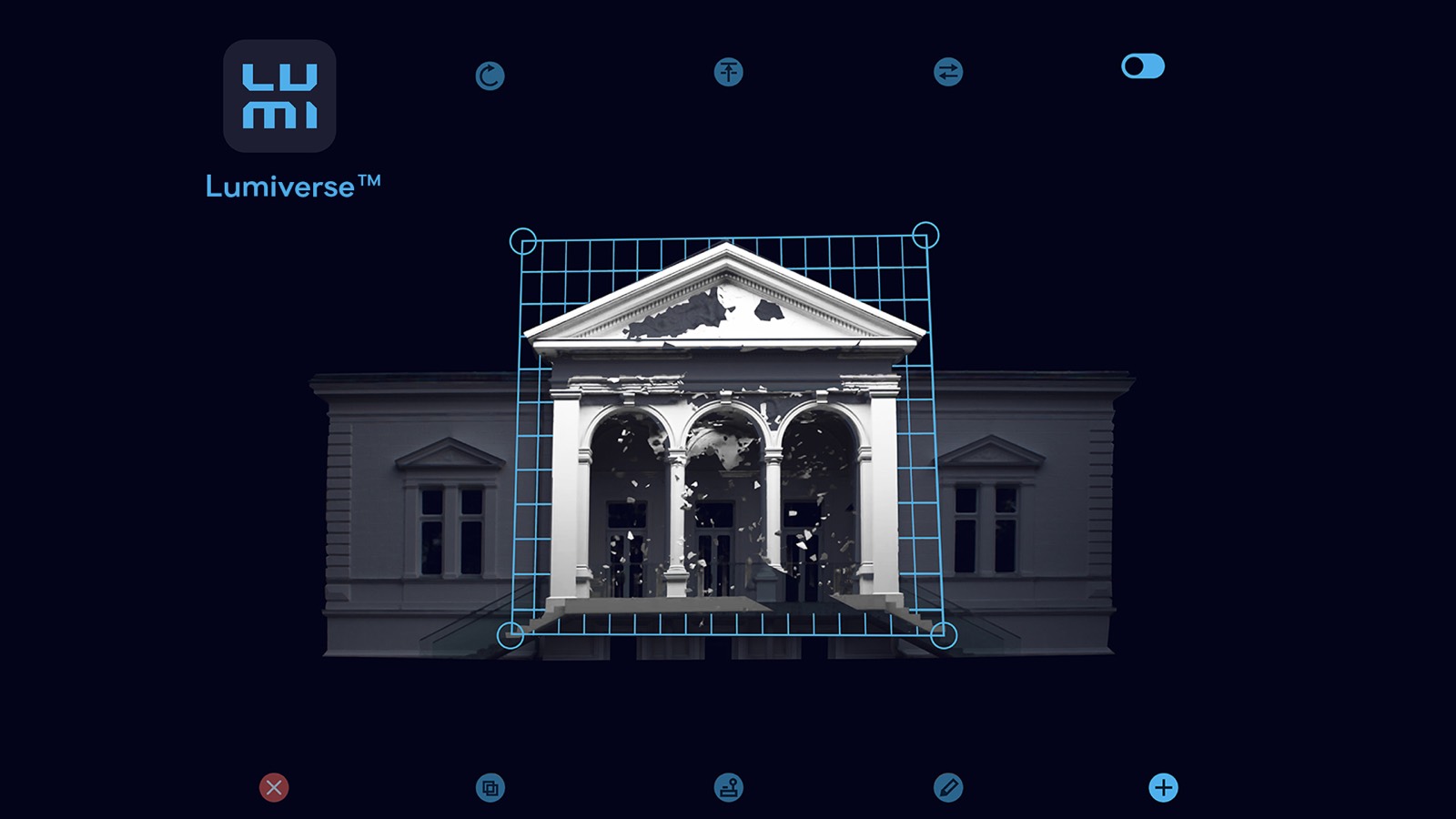
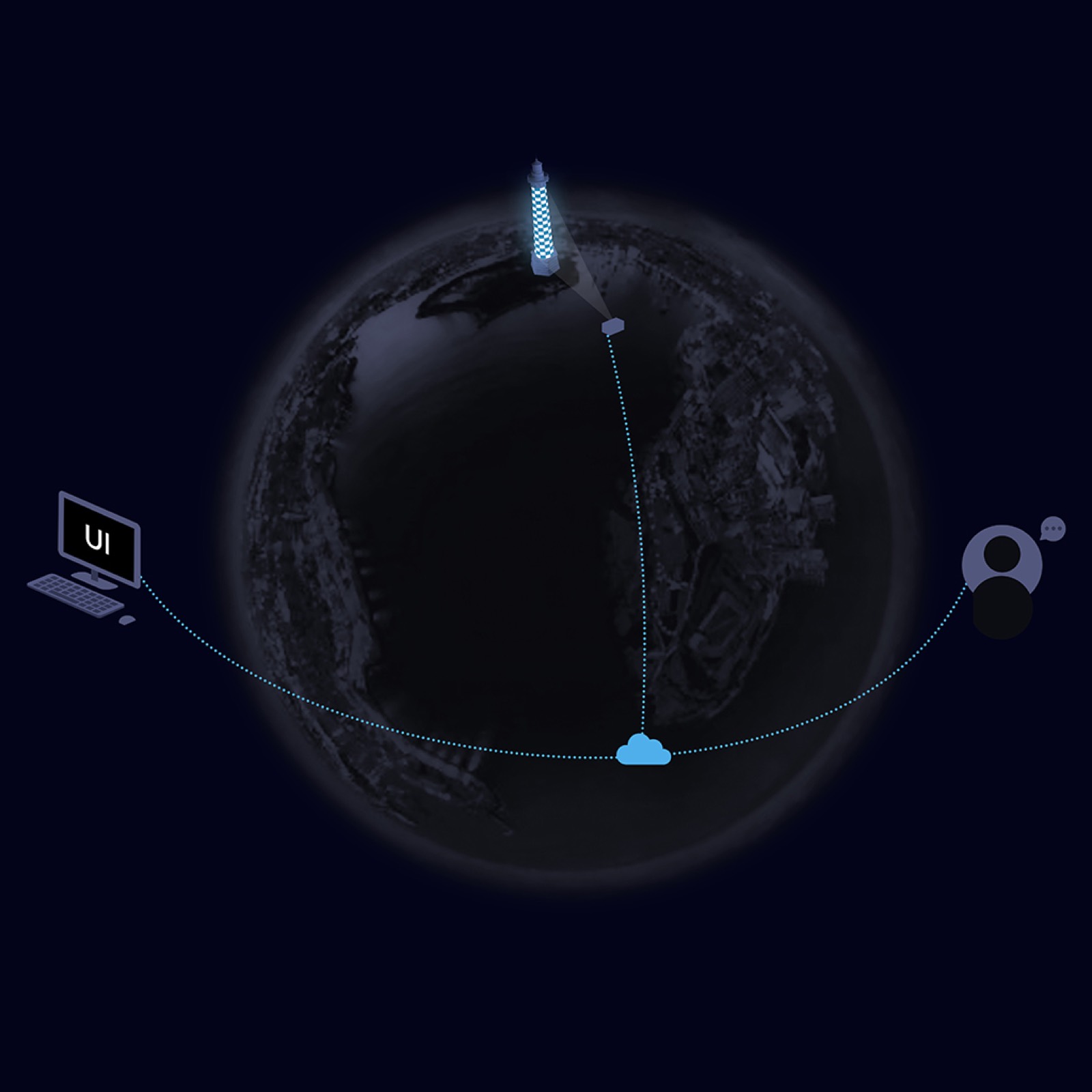
After logging in to Lumiverse™, you can control your projectors, upload new media, and manage show schedules. You can also design the entire projection show without even visiting the site.
The unique design of the LM3X projectors enables remote scanning, image blending, show design, and support service from a remote location.
Projection-Mapping Editor
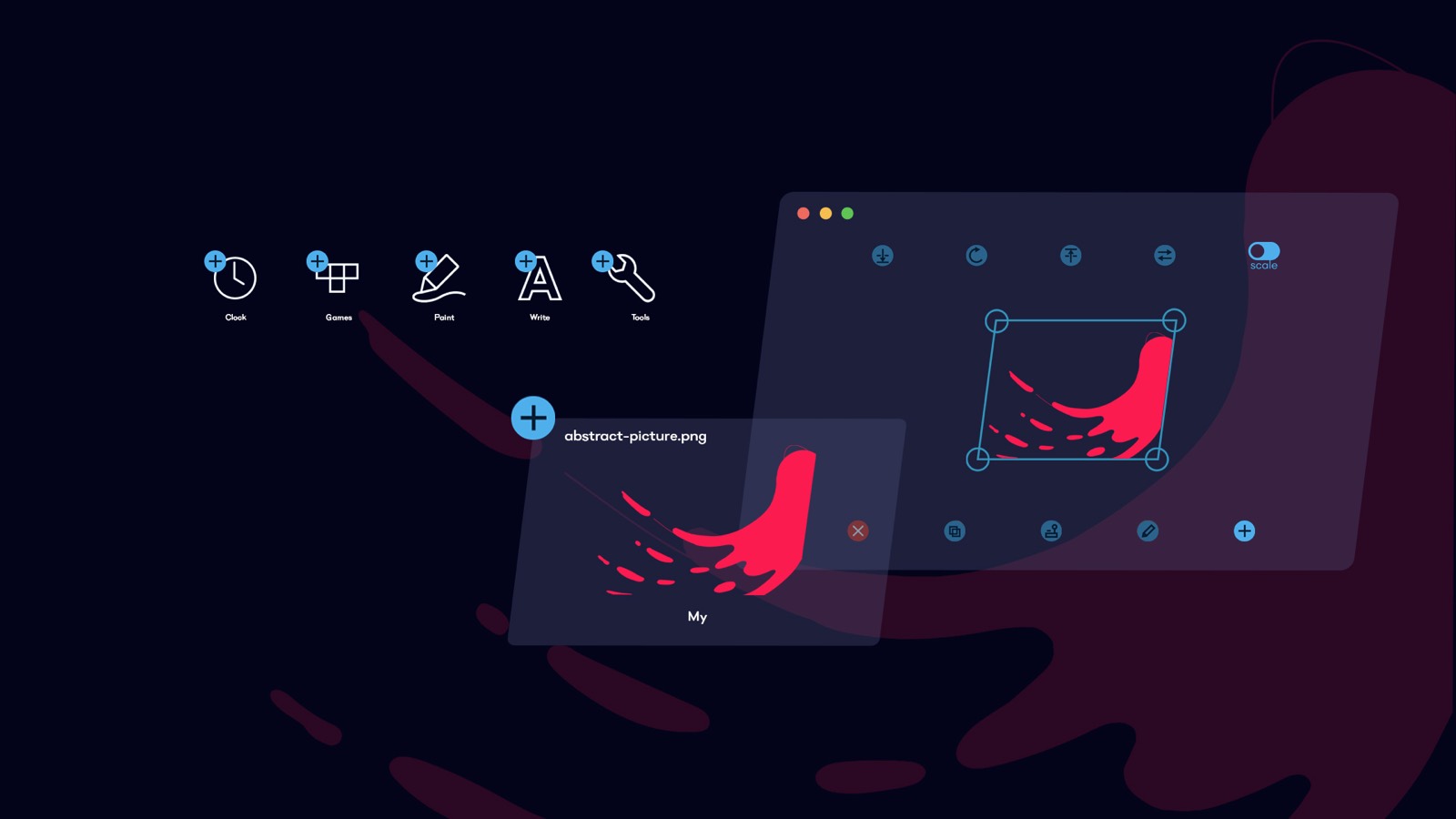
The central tool of Lumiverse™ is the Editor, where you can view the scan result as a canvas and add media sources, AI-generated imagery, and video files in real time.
AI-Generated Content via Pixelmap
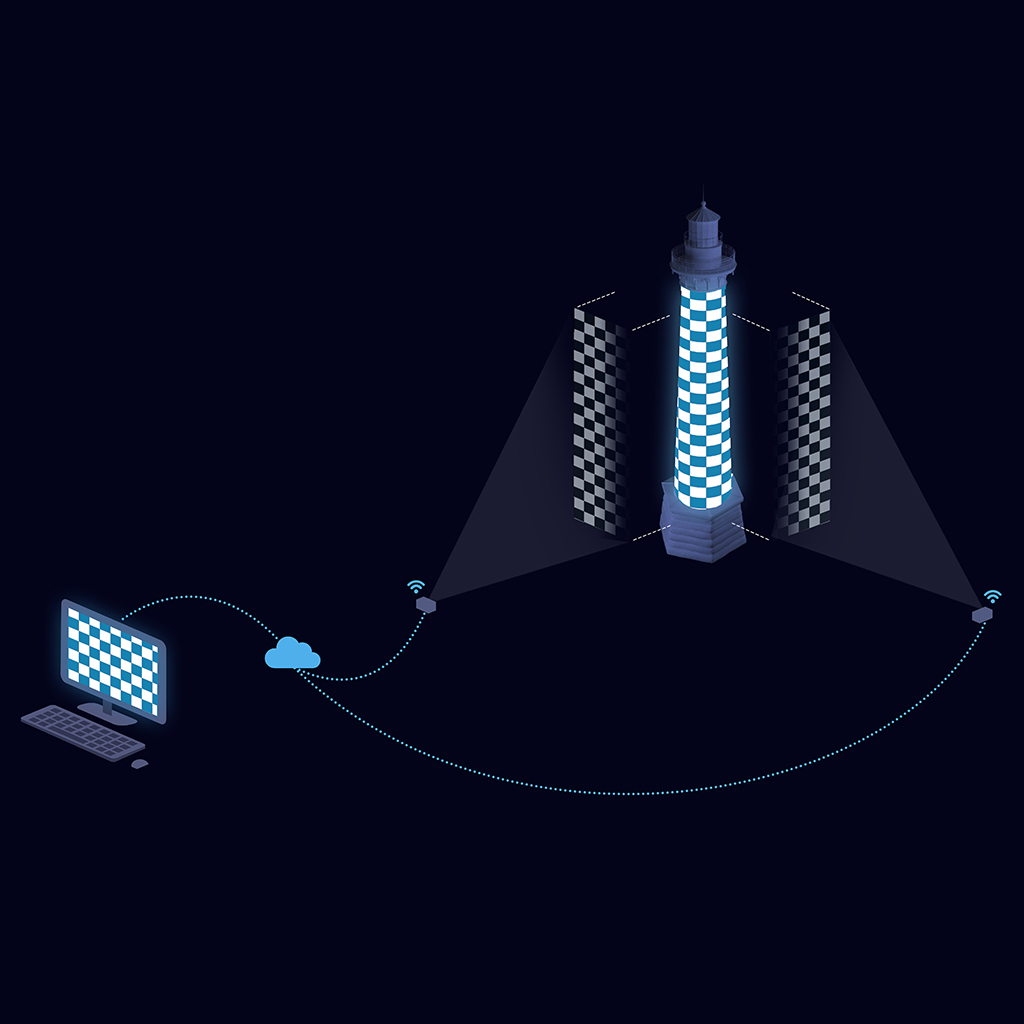
Access to AI-generated projection-mapping content is through the Lumiverse™ scanner, seamlessly integrated into the LM3X projectors. The scanner outputs a pixel map of the illuminated object's geometry.
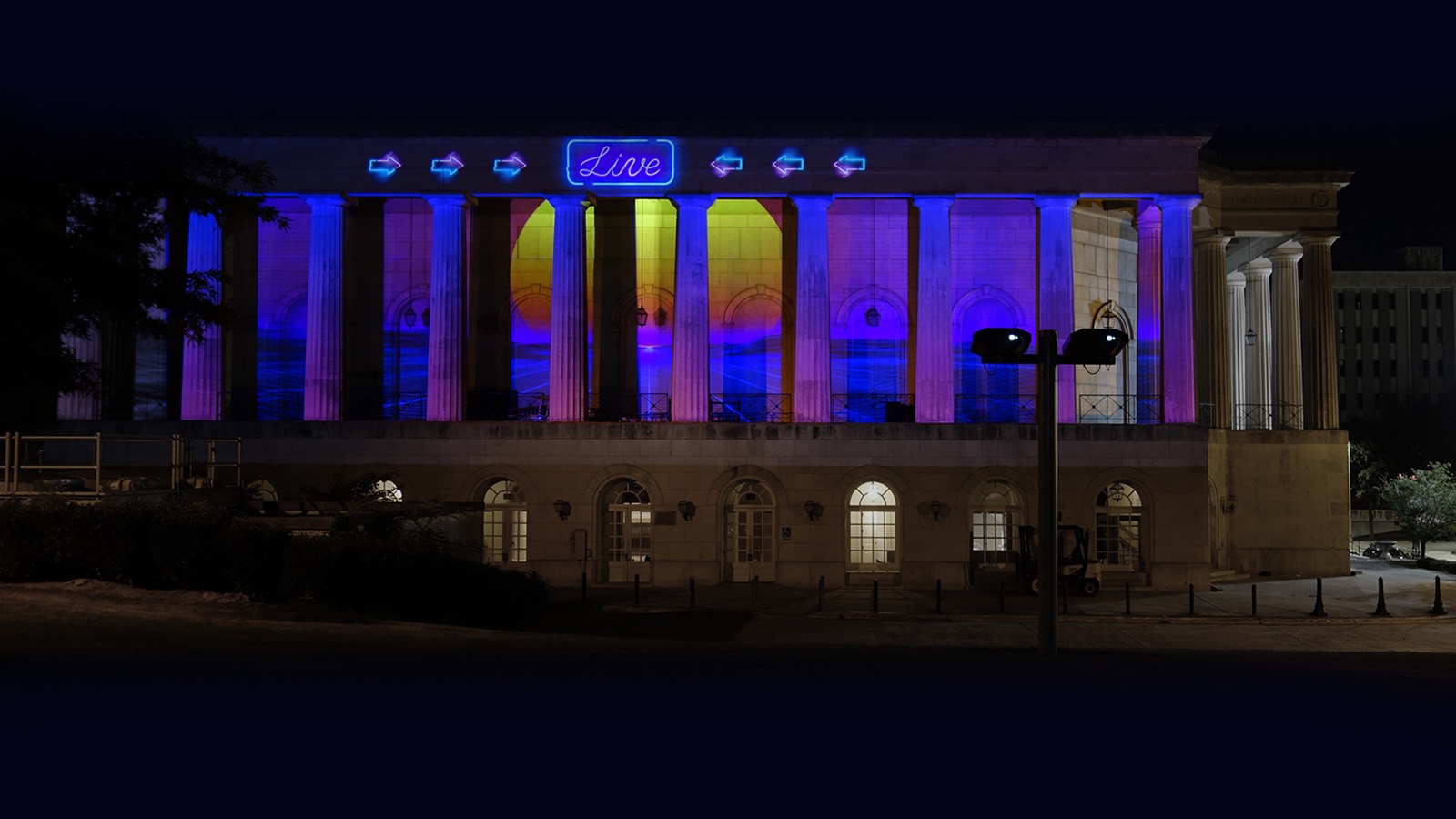
Upload this pixelmap to Midjourney AI and use the Retexture function, which has the magic ability to correctly read the object geometry from the pixelmap and generate content that looks fantastic and fits precisely onto the illuminated building.
Stacking, Soft Edge Blend, Masking, Layers, Playlists, Filters…
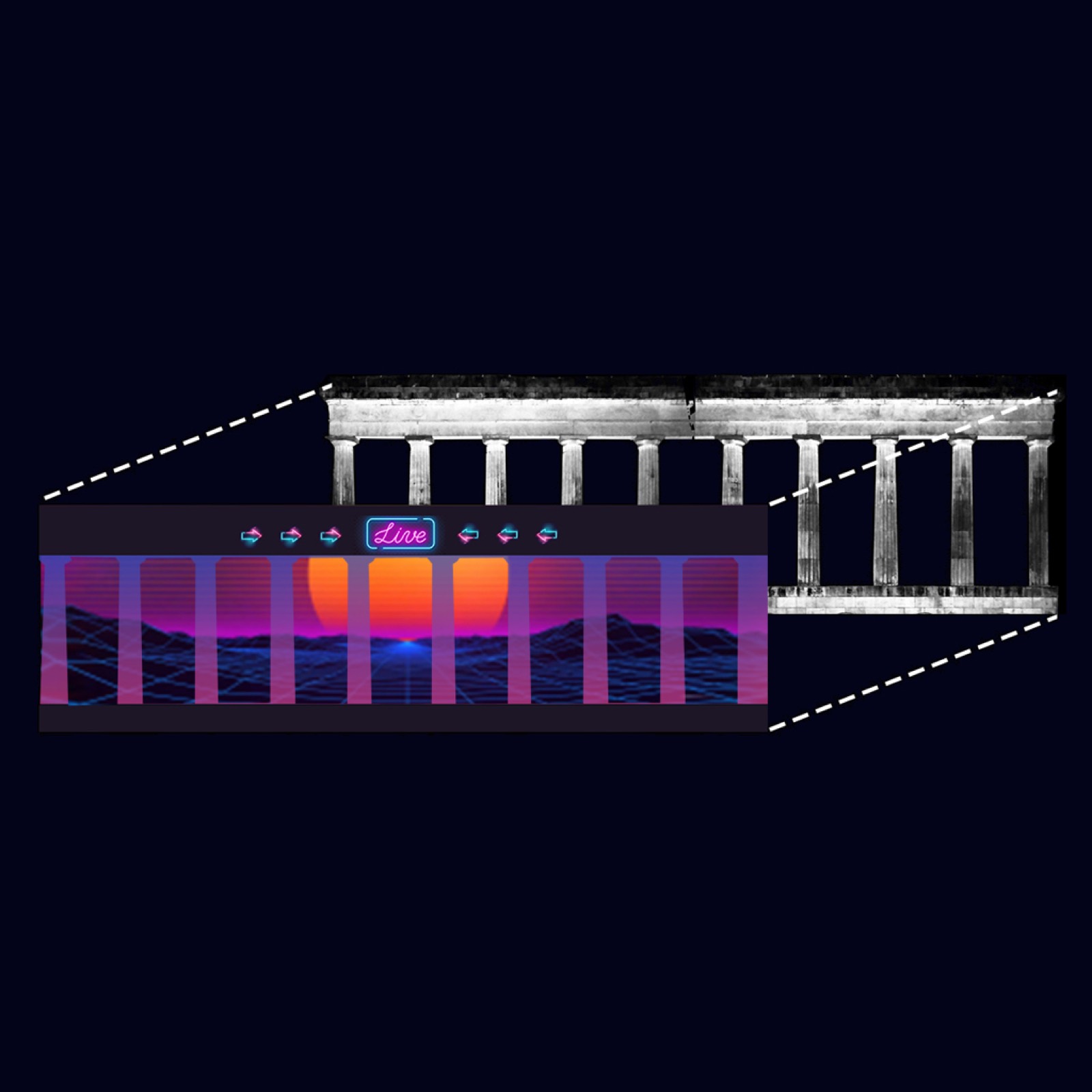
With Lumiverse™, you can combine many object layers and compose your project by adding stock footage from the internet, AI-generated content, and custom-made videos.
The Mask tool removes parts of the content — for example, to avoid projecting into windows or to create a soft edge. The Multi-canvas tool connects multiple projectors into a single canvas. The Filter tools enable live modification of the media output: color-keyed transparency, colours, contrast, and brightness. Create playlists and design sleek, simple end-user interfaces for your customers.
Audience Interactivity
Lumiverse™ provides simple-to-use interactivity options: let the public audience play HTML5 apps such as Paint or Tetris by scanning a QR code.
You can also design projects that read movement in a given area and program simple functions triggered by motion detection. (Interactivity is currently limited to single-projector use.)
Compatible Hardware
Lumiverse™ runs exclusively on LAZR 20K™ and LAZR 4G™ outdoor projectors and on the LUMIBOX™ projection-mapping media player — all sold and supported in North America by Lumitrix USA.
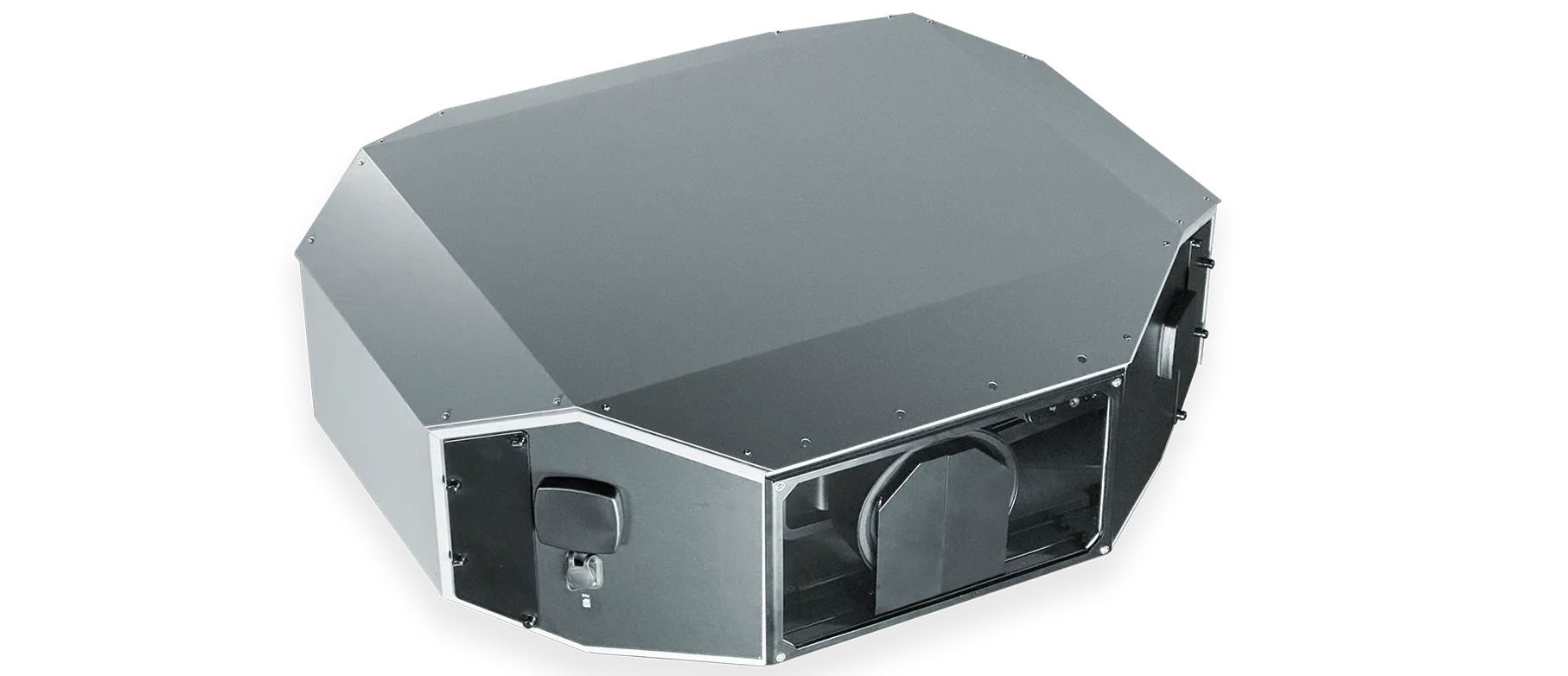
LAZR 20K™
20,000 lm OUTDOOR VIDEO MAPPING PROJECTOR
- 20,000 ANSI Lumen output
- 110 lb / 50 kg weight
- Remote management over the internet
- Video mapping software & player
- Multi-projector image blending
$119,520
EXPLORE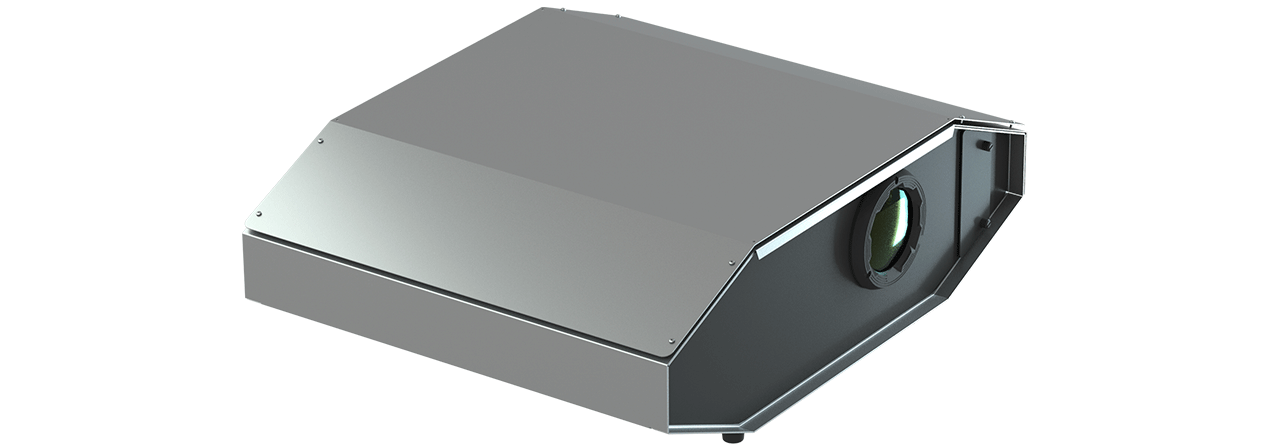
LAZR 4G™
6,000 lm OUTDOOR VIDEO MAPPING PROJECTOR
- 6,000 ANSI Lumen output
- 53 lb / 24 kg weight
- Remote management over the internet
- Video mapping software & player
- Multi-projector image blending
$29,880
EXPLORE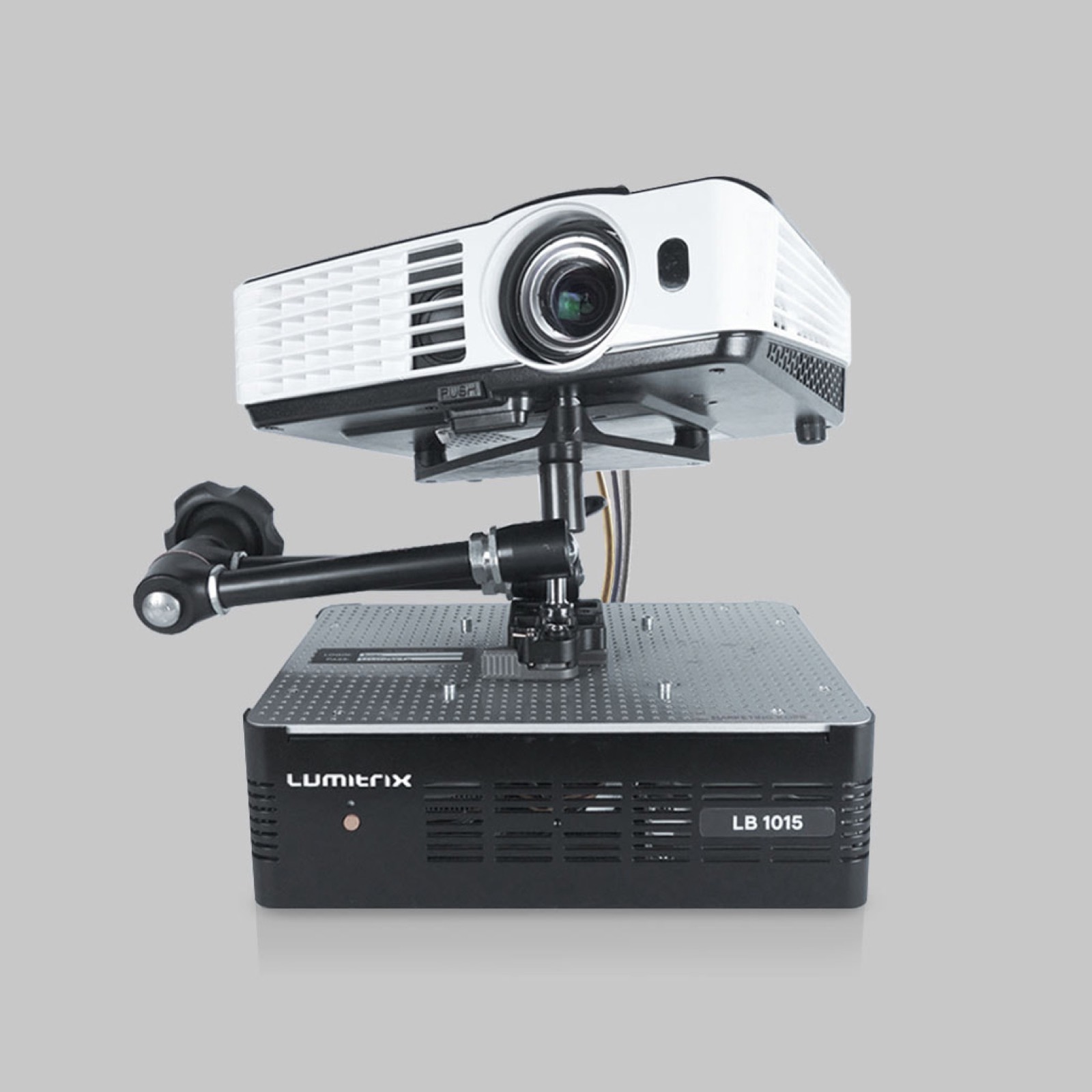
LUMIBOX™
PROJECTION MAPPING MEDIA PLAYER
- Works with standard HDMI projectors
- Object scanner & remote camera
- Indoor mapping, blending & stacking
- Lumiverse™ pre-installed
- LAN, 4G/LTE, Wi-Fi connectivity
$6,900
EXPLOREFull software documentation: lm3x.guide — also embedded in our Support & Product Guide.